
 EN
EN ES
ES PT
PT TH
TH VN
VN JP
JPA fleet manager may not need accident footage immediately.
The driver reports the incident at the end of the shift. The insurance request arrives two days later. The safety team then needs time to confirm the vehicle, route and exact event.
By that point, is the video still available?
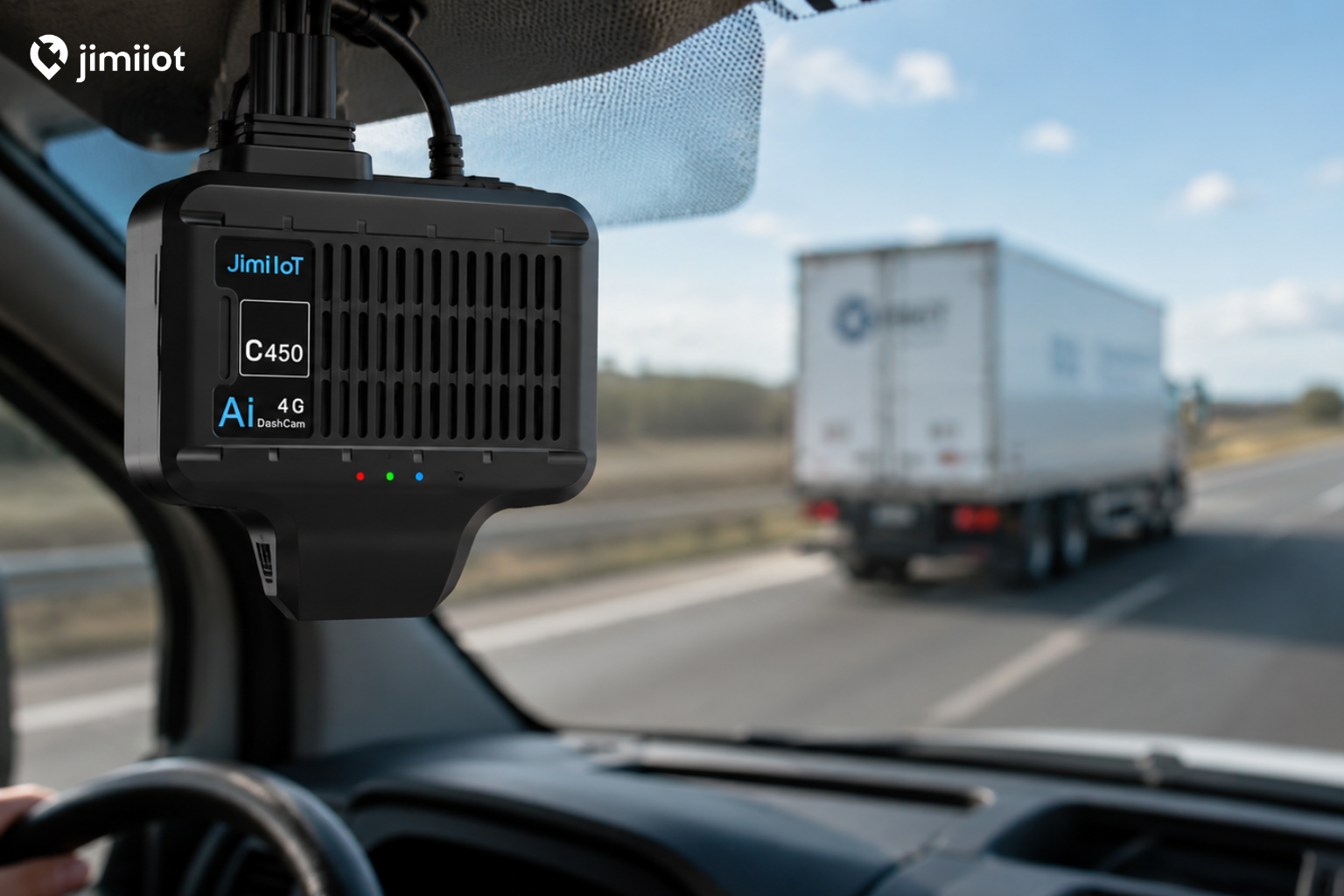
The answer depends heavily on the camera system. With the Jimi IoT JC450, fleets can use up to 512GB of local storage and retain up to seven days of footage while recording through five camera channels simultaneously.
That gives commercial fleets a much more practical review window than a basic single-camera dash cam with limited storage.
How Much Video Can the JC450 Store?
The JC450 main unit includes two microSD card slots. Each slot supports a card of up to 256GB, giving the system a maximum local capacity of 512GB.
With five cameras recording simultaneously, the JC450 can provide up to seven days of onboard video storage under the specified configuration.
This is especially useful for fleets whose vehicles remain on the road for long periods, including:
- Long-haul and regional trucking fleets
- School and passenger transportation
- Hazmat transportation
- Delivery and logistics fleets
- Commercial vehicles operating across multiple shifts
Instead of retrieving a memory card immediately after every reported event, the fleet has more time to locate and review the required footage.
Actual retention can still vary with the selected cameras, recording configuration and daily operating hours. However, the published seven-day figure gives fleet operators a much clearer basis for planning than a generic statement about “large-capacity storage.”
Why Five Camera Channels Use More Storage
A single road-facing camera creates one video stream.
A five-camera fleet system may be recording several areas at the same time:
- The road ahead
- The driver or cabin
- The left side of the vehicle
- The right side of the vehicle
- The rear, cargo area or another required angle
This produces far more data, but it also provides better evidence.
A front-facing camera may show that a collision happened, yet miss the vehicle approaching from the side. It may capture sudden braking without showing whether the driver was distracted. It may show the road ahead while missing activity around the rear doors or cargo area.
The JC450 includes one built-in camera and supports up to four optional remote cameras. Fleets can configure the views according to the vehicle and operating risk instead of relying on the same setup for every application.
For a delivery van, the priority may be the road, driver, rear and both sides. A school bus may require road, driver and passenger-area visibility. A truck carrying high-value cargo may use one channel to monitor the cargo area.
What Happens After Seven Days?
Like most continuous recording systems, local dash cam storage is finite.
As the storage fills, ordinary footage may eventually be replaced through loop recording. That keeps the camera recording without requiring someone to clear the cards manually.
This is why fleets should separate regular driving footage from important incident footage.
The JC450 can upload video clips triggered by key events or the in-cab SOS button to the platform for later review. These critical clips are kept separately from ordinary loop-recorded video, reducing the risk that accident evidence is overwritten before the fleet team retrieves it.
This matters when the fleet needs to review:
- Collisions
- Harsh braking or sudden maneuvers
- Driver safety events
- Emergency situations
- Passenger or cargo disputes
- Insurance claims
The system therefore uses local storage for broader recording coverage while preserving important event clips through the connected platform.
Local Recording and Cloud Event Video Serve Different Purposes
It is easy to compare dash cam systems based only on cloud storage. In practice, fleets often need both local and remote video.
Local storage provides broader context
The 512GB onboard capacity allows the JC450 to retain continuous footage from multiple cameras. This is useful when an event was not automatically classified as an alert or when the safety team needs to review what happened earlier in the trip.
For example, a driver may report that another vehicle had been following closely before a collision. The relevant footage may begin well before the impact itself.
Cloud event clips support faster response
When a configured event or SOS alert occurs, relevant video can be uploaded for remote review.
The fleet manager does not have to wait for the vehicle to return to the yard or remove the storage cards before checking the incident. Video can be reviewed alongside vehicle location and alert information through the fleet platform.
The result is a more practical workflow: continuous footage remains available locally, while urgent evidence can be accessed remotely.
Is Seven Days Enough for a Commercial Fleet?
For many fleets, seven days provides a useful working window, but the answer depends on how quickly incidents are reported and reviewed.
A fleet should consider:
- How many hours each vehicle operates per day
- Whether vehicles run overnight or across multiple shifts
- How quickly drivers report accidents
- How many camera channels are required
- Whether managers review critical events remotely
- How long insurance or customer disputes usually take to surface
A fleet with a clear incident-reporting process may retrieve footage within hours. Another fleet may not learn about a minor sideswipe or cargo issue until several days later.
The combination of up to seven days of five-channel local recording and cloud storage for critical clips helps cover both situations.
It gives the fleet time to investigate routine reports while making urgent evidence available sooner.
What Should Fleets Check Before Choosing Storage Capacity?
The label on the memory card does not tell the whole story.
Before selecting a commercial dash cam, ask the supplier:
- What is the maximum total storage capacity?
- Is the quoted recording time based on one camera or all channels?
- How many cameras can record simultaneously?
- Are important event clips protected from loop recording?
- Can video be retrieved remotely?
- What happens when cellular coverage is unavailable?
- Can the camera setup be adapted to different vehicle types?
The JC450 provides clear answers to these questions: up to five recording channels, two microSD slots with up to 512GB total capacity, up to seven days of five-camera recording and cloud upload of critical event clips.
A More Practical Way to Store Fleet Video
Fleet video storage is not about keeping every trip forever.
It is about making sure the footage is still available when a driver, safety manager, customer or insurance company asks for it.
With its expanded local storage and multi-camera support, the JC450 gives commercial fleets more time and more visual context for incident review. Critical clips can also be uploaded to the platform, helping teams respond without waiting for the vehicle to return.
For fleets comparing multi-camera dash cam systems, the key question is not simply how large the memory card is.
The better question is how much usable footage the complete camera configuration can retain.
For the JC450, that answer is up to seven days while recording five camera channels simultaneously.
Need longer recording coverage across the road, cabin, sides and rear of your commercial vehicles?
Explore the Jimi IoT JC450 Multi-Channel AI DashCam and learn how up to 512GB of onboard storage, five-channel recording and cloud event video can support faster fleet incident review.


